
Quick Answer
A phone that won’t charge despite a new cable usually has a damaged or obstructed charging port, not a battery problem. Lint and dust packed into the port block the connection in roughly half of cases, easily cleared. The rest involve bent or corroded pins inside the port that need a technician to repair or replace the connector entirely, since the part is soldered to the logic board on most phones.
New cable. New wall adapter. Still nothing happens when the phone gets plugged in, not even the little charging icon flickering for a second.
It’s a frustrating moment because the instinct is to blame the cable first, every time. People buy a second cable, then a third, before finally accepting the problem isn’t the cable at all. It’s the port itself.
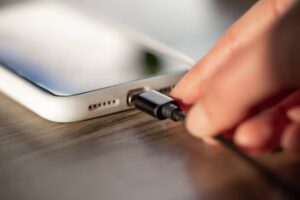
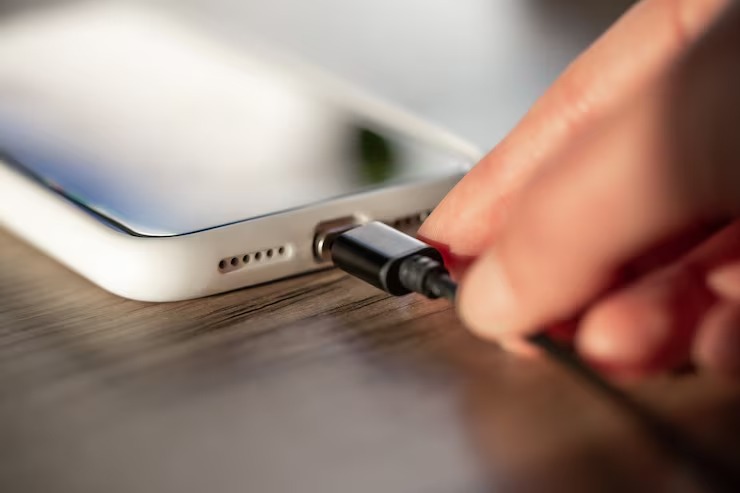
phone charging port repair addresses exactly this, the small connector inside the phone where the cable plugs in, which takes more physical abuse than almost any other component on the device.
What’s Actually Inside a Charging Port
A modern phone’s charging port, whether USB C or Lightning, contains a row of tiny metal contact pins inside a small metal housing, soldered directly to the logic board. Every time a cable goes in or out, those pins make and break physical contact, dozens of times a day for most people.
Over months and years, that constant insertion wears the contacts, and dust from pockets and bags works its way into the housing where it’s hard to see without a flashlight and magnification.
Lint and Debris Buildup
Pocket lint is the single most common cause of charging failure brought into any repair shop. It packs into the port, physically blocking the cable’s pins from making contact with the phone’s internal contacts, even though nothing is actually broken.
Bent or Corroded Connector Pins
Forcing a cable in upside down, or plugging in while the port has moisture inside, bends the delicate metal pins or causes corrosion that breaks the electrical connection. This is mechanical damage, not something a cleaning fixes.
How Technicians Tell the Difference
A flashlight and a magnifying loupe answer most of the question immediately. Visible lint or debris means a simple cleaning likely solves the problem in minutes. Visible bent pins, corrosion, or a port that wiggles when a cable is inserted means actual hardware repair.
Here’s the thing most people miss: water damage from months ago can cause corrosion that doesn’t show symptoms until much later, when the corroded pins finally lose enough contact to stop charging. The timeline between the water exposure and the charging failure can be confusing for the owner, who’s forgotten the spill happened at all.
Cleaning vs Repair: How a Technician Decides
Compressed air and a fine wooden or plastic pick clear lint safely without risking damage to the pins. If cleaning restores normal charging, that’s the end of the repair. If the port still fails after cleaning, the issue is mechanical or electrical, not blockage.
Port Replacement on Modern Smartphones
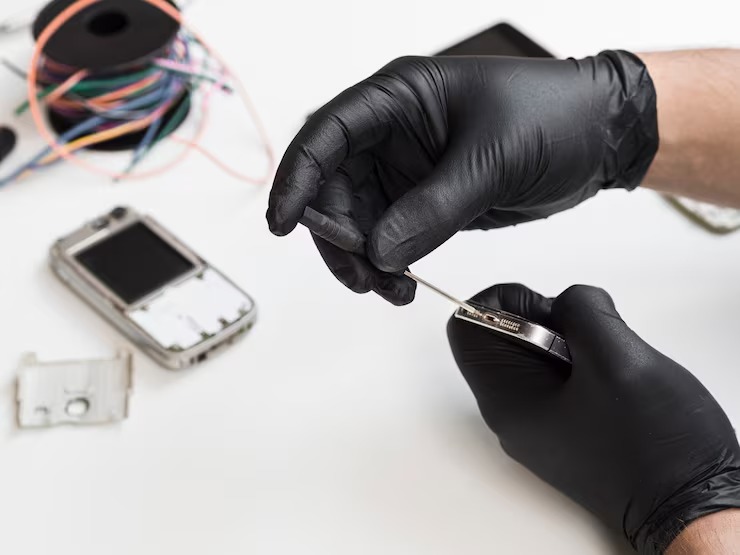
Most current phones have the charging port soldered directly to a small flex cable or the main logic board itself, which means replacement requires desoldering the old connector and microsoldering a new one in its place. This is precision work that general phone shops without microsoldering equipment can’t perform correctly.
Battery Symptoms That Look Like Port Failure
Sometimes a phone that charges intermittently, working fine one day and not at all the next, actually has a failing battery rather than a port problem. A battery health check rules this out quickly and avoids paying for port repair when the real issue is elsewhere.
This matters more than most clients realize, because guessing wrong wastes money on the wrong repair entirely. A five minute diagnostic check before any work begins avoids that mistake.
What to Try Before Booking a Repair
Shine a flashlight directly into the port and look for lint, dust, or anything blocking the opening. Try a different cable and a different wall adapter, ideally borrowed from someone else, to rule out both as the cause.
If the phone still won’t charge after a visual check and a cable swap, that’s a strong sign the port itself needs professional attention rather than another trip to the store for cable number four.
Frequently Asked Questions
What is phone charging port repair?
A service that cleans, repairs, or replaces the charging connector inside a phone, restoring the ability to charge without replacing the entire device.
How does a charging port usually fail?
Most often from lint and dust buildup blocking the contacts, or from bent and corroded pins caused by rough cable insertion or past moisture exposure.
What’s the difference between cleaning and replacing a port?
Cleaning clears blockages like lint with no parts needed. Replacement involves desoldering the damaged connector and soldering in a new one when the port itself is physically damaged.
Who needs this kind of repair?
Anyone whose phone won’t charge reliably despite trying a different cable and adapter, especially if charging works only at certain angles or stops randomly.
How do I choose a provider for this repair?
Look for a shop that inspects the port under magnification before quoting and has microsoldering capability on hand in case the connector itself needs full replacement.